
Skip to content
Repair Systemby ACOS
BenefitsHow it worksFeaturesPlansFAQ
Sign inGet started
BenefitsHow it worksFeaturesPlansFAQ
Get startedSign in
Two people at the glass counter of a jewellery store look at a tablet together, with lit display cabinets behind them.
In real-world use for 2.5 years

Every repair, beautifully accounted for.

Book in jobs at the counter, follow them through the workshop, tell customers when they're ready and record every pickup. One system your whole team shares.

Get started →Sign in
  • Works on your shop iPad or computer
  • Cash, EFTPOS or bank transfer
  • One store or several
JOB ID 004212 · Ring resizeBooked in · due Thursday
Text sent“Your ring is ready to collect.”
Collected · $85.00Paid by EFTPOS
2.5 yearsin real-world use

Repair System has been in real-world use for 2.5 years, handling day-to-day repair work.

  • Ring resizing
  • Stone setting
  • Chain repairs
  • Watch batteries
  • Watch servicing
  • Pressure tests
  • Clock repairs
  • Custom designs
  • Special orders
  • Quotes
  • Laybys
  • Ring resizing
  • Stone setting
  • Chain repairs
  • Watch batteries
  • Watch servicing
  • Pressure tests
  • Clock repairs
  • Custom designs
  • Special orders
  • Quotes
  • Laybys
In plain words

Your repair counter, organised.

Repair System replaces the paper book and the sticky notes. Every job is written down once, and everyone can see where it is.

In real-world use for 2.5 years

Get started →See how it works →
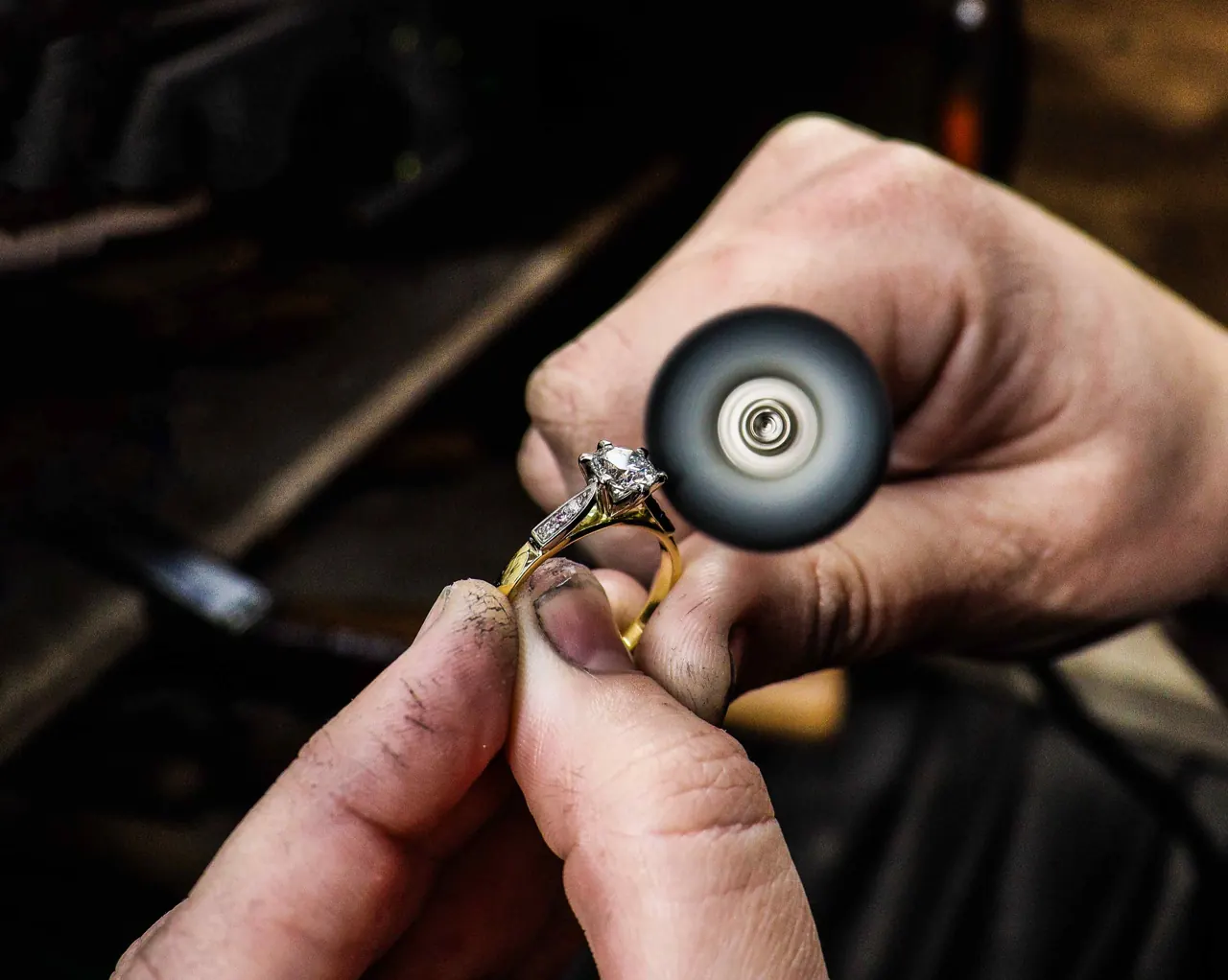
A jeweller holds a ring up to a loupe to inspect the stone setting.
  • Every job in one place

    From booking in to collection, each job has one status and a full history.

  • Customers kept informed

    Text when a job is ready and share quotes and packets through secure links.

  • Payments your way

    Record cash, your own EFTPOS machine or bank transfer. Shopify is optional.

  • Each business kept apart

    Run several stores, or several companies from one login. Records never mix.

Follow one repair, start to finish.

Five steps, from the moment a customer hands over a ring to the moment they collect it.

Step 1 of 5

Book the job in at the counter

Pick the kind of job, find the customer, describe the piece and choose the work. The customer signs on the screen.

New jobStep 2 of 4
RepairCustom designQuick serviceSpecial order
Sam Rivers
18ct gold ring
Resize N to P, re-polish
Thursday 26 Nov

Illustrations with made-up sample data.

Everything the counter and the bench need.

Booking in

Book in a job in a few steps

  • Standard repairs, custom designs, quick services and special orders
  • Item details that change with the piece: ring sizes, chain length and weight, watch brand and movement
  • Photos from the device camera and the customer's signature on screen
Job packets

Print the job packet, from an iPad too

  • On an iPad or iPhone the packet is prepared as a PDF and opened in the share sheet to print
  • Scan the packet's barcode to open the job again
  • Label printing to a Zebra printer through a small program on your shop computer
The workshop

Follow every job through the workshop

  • Status board, search and barcode scanning
  • A large-button screen for the workshop to mark jobs done
  • A timeline of every change on the job
Customers

Tell customers, with links they can trust

  • Uses your own ClickSend account and sender; you pay ClickSend directly
  • Nothing is sent until a staff member confirms
  • Customer links are long, random and time-limited; job packet links also need a code texted to the customer
Pickups & payments

Pickups, payments and the collection drawer

  • Deposits and payments by cash, your own EFTPOS machine or bank transfer, with several jobs paid together, and voids
  • Drawer check: scan each packet to find anything missing
  • Laybys, cash sales and an end-of-day cash count
Watches, clocks & stock

Watches, clocks and stock

  • Quotes built from your price list, with a fixed price or a range
  • Watch parts stock with item codes, QR labels and a scanning stock take
  • Shop stock and sales too, if you connect your own Shopify shop
Staff & stores

Your staff, your stores, your records

  • Run several stores within one business
  • Per-person feature permissions and an administrator password step for Admin
  • A read-only log of sign-ins, records opened, changes and prints
Quotes & reports

Quotes and repair reports, sent as links

  • Quotes go out as a secure link the customer can accept or decline
  • Inspection and repair reports to print or send
  • A quotes report shows what is waiting, accepted or declined
Forms & documents

Your own forms and documents

  • Printable forms, checklists and procedures you can adapt
  • Upload your own notices and safety data sheets
  • Your own terms and conditions wording, set in Admin
Contracting

Contracting jobs for trade clients

  • Contract jobs with parts and print-outs
  • Packing lists and invoices for each client
  • A report of the work done
Tracking & status

Job tracking and status

  • Customers check their own job on a Track Your Job page
  • Status board for staff, with overdue jobs flagged
  • An overdue report so nothing sits forgotten
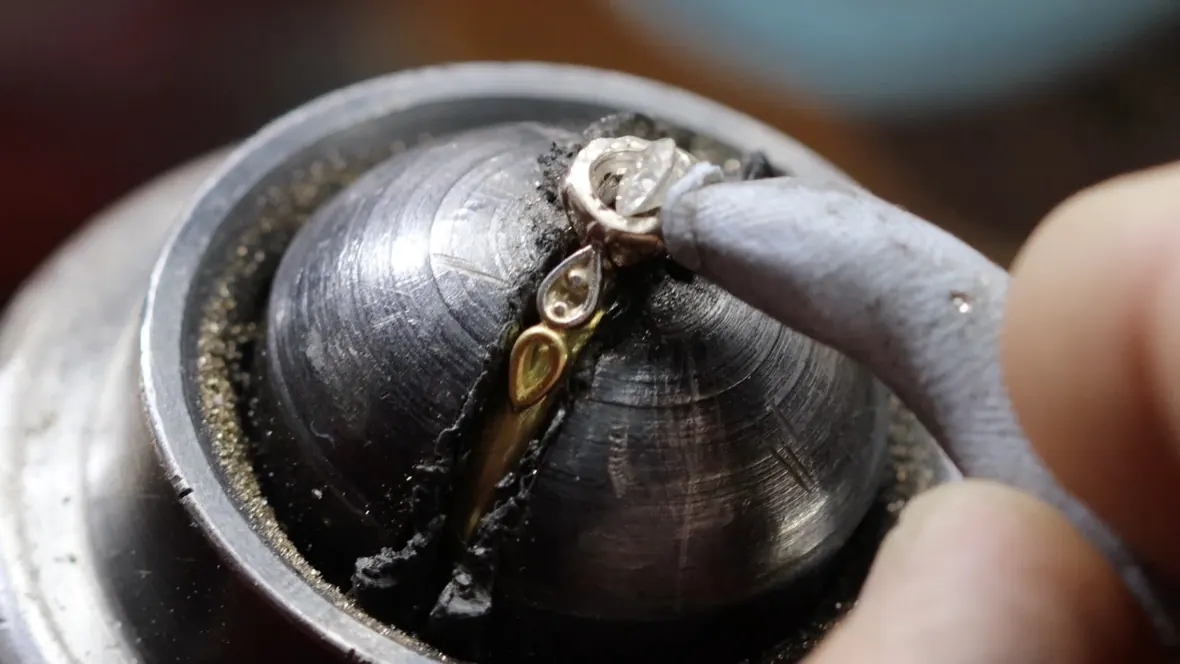
Close-up of a ring held in a setting clamp while a stone is set.

Set up in four steps.

  1. 1

    Create your account

    Sign up with your email and confirm it with a six-digit code.

  2. 2

    Add your business

    Your business details, ABN and first store.

  3. 3

    Choose a plan

    See the price, billing interval and terms before you pay.

  4. 4

    Invite your team

    Staff join by invitation and use their own PIN on shop devices.

Create company account →
A jeweller working at a bench with hand tools under a lamp.

Each company's records stay its own.

  • Checked on every request

    Your company and role are confirmed on the server and in the database, never taken from the browser.

  • Private files

    Photos, signatures and documents are stored privately and shown only to the company that owns them.

  • Personal staff PINs

    PINs are stored hashed. Repeated wrong tries lock that device out for a while.

  • No stored card numbers

    Repair System never stores card numbers. In-store card payments are taken on your own EFTPOS machine.

Subscription plans.

Each company subscribes to one plan. You'll see the plan, price, currency, billing interval, renewal and cancellation terms again before you pay.

[Plan 1 name]

[Price][Currency] · [per month / per year]

[What this plan includes (to be supplied)]

Get started

[Plan 2 name]

[Price][Currency] · [per month / per year]

[What this plan includes (to be supplied)]

Get started

[Plan 3 name]

[Price][Currency] · [per month / per year]

[What this plan includes (to be supplied)]

Get started
Free trial
[Free trial: none, or length to be supplied]
Renewal
[Renewal terms (to be supplied)]
Cancellation
[Cancellation terms (to be supplied)]
Refunds
[Refund terms (to be supplied)]
Taxes
[Whether prices include GST (to be supplied)]

Good to know.

Who is Repair System for?

Jewellery and watch repair businesses that book in customers' items at a counter and work on them in a workshop, with one store or several.

What is the difference between a store and a company?

Stores are the branches of one business; they share customers, staff and settings. A company is a separate business with completely separate records. One login can belong to several companies.

Does every staff member need their own email address?

No. A shop device signs in once with a store account, then each person enters their own four-digit PIN. Owners and administrators sign in with their own email address.

How are text messages sent?

Through your own ClickSend account, which you connect in Admin. You choose the sender and pay ClickSend directly. Until messaging is connected, the rest of the system still works.

Do I need Shopify?

No. Shopify is optional. Without it, staff take card payments on your own bank EFTPOS machine (or cash, or bank transfer) and record them in the system; with it, you can also work with your own shop's stock, sales and till.

What happens if a subscription lapses?

The company becomes read-only: jobs can still be looked up, printed and handed back to customers, and pickups recorded, but new jobs cannot be booked until the subscription is active again.

Is our data kept separate from other businesses?

Yes. Every record and file belongs to one company, and the database itself refuses access to another company's records. Uploaded files are private and served only to the company that owns them.

How much does it cost?

Plan names and prices are listed in the Plans section. Before you pay you see the plan, price, currency, billing interval, renewal and cancellation terms. Repair System never stores card numbers.

How do staff get access?

The company owner invites each person by email. Staff accept the invitation and join that company; they don't create a company account or see billing. On shop devices, each person signs in with their own PIN.

Set up your company today.

Create your account, add your business and first store, then invite your team.

Get started →Sign in
Repair Systemby ACOS

Repair management for jewellery repair businesses.

Product

BenefitsHow it worksFeaturesPlansFAQ

Account

Sign inCreate company account

Legal

Terms of ServiceSoftware LicencePrivacy NoticeCookie PolicyCopyright

Contact

Contact us

[Contact email (to be supplied)]

© 2026 [Copyright / IP owner (to be supplied)]. Repair System is a product of ACOS. Last updated 23 November 2026.

Contact
Get started →

Try “EFTPOS”, “staff” or “privacy”.

Repair Systemby ACOS

Every repair, beautifully accounted for.

  • In real-world use for 2.5 years
  • Works on your shop iPad or computer
  • Cash, EFTPOS or bank transfer
Repair System

Welcome back

Sign in to your account. Shop devices sign in here too, then each person enters their own PIN.

New here? .